8 Important Actions For Making The Most Of Your Guest Post


This is a guestpost by Matt Ragland (@mattragland). Matt is a blogger sharing lots of great productivity tips. More on him at the bottom of the post.

On Tuesday, April 17, my 1st guest post 10 Free Tools to Help You Organize the Internet was published on the Buffer blog.
I was excited, nervous, and hopeful. As an “aspiring blogger”, to have someone else decide to publish your writing is a big step, and very affirming. The post has done well, with 898 shared tweets and 1306 total shares on Twitter, Facebook, Buffer, LinkedIn, Google+, and Pinterest.
When you’re writing a guest post, part of the allure for you, the writer, is the opportunity to reach a new audience. You want to capitalize on the opportunity, and convert them to readers of your site.
1. Write a related post on your blog
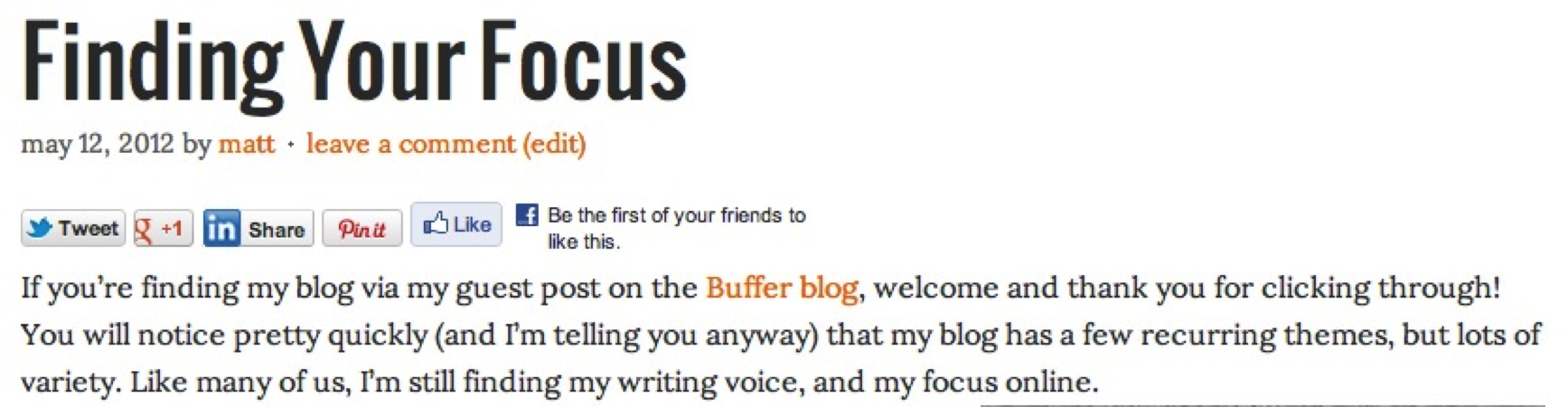
Actually, you should do this before your guest post is published. Ask the moderator when they will publish your post, and have your own post ready to go the same day. In the first line, welcome the readers who have clicked through to your blog! You may not have a ton of click-throughs, and that is ok, you want the ones who do click to feel you were expecting them. You can view my landing post here.
2. Email your F’s (Fans, Family, Friends)
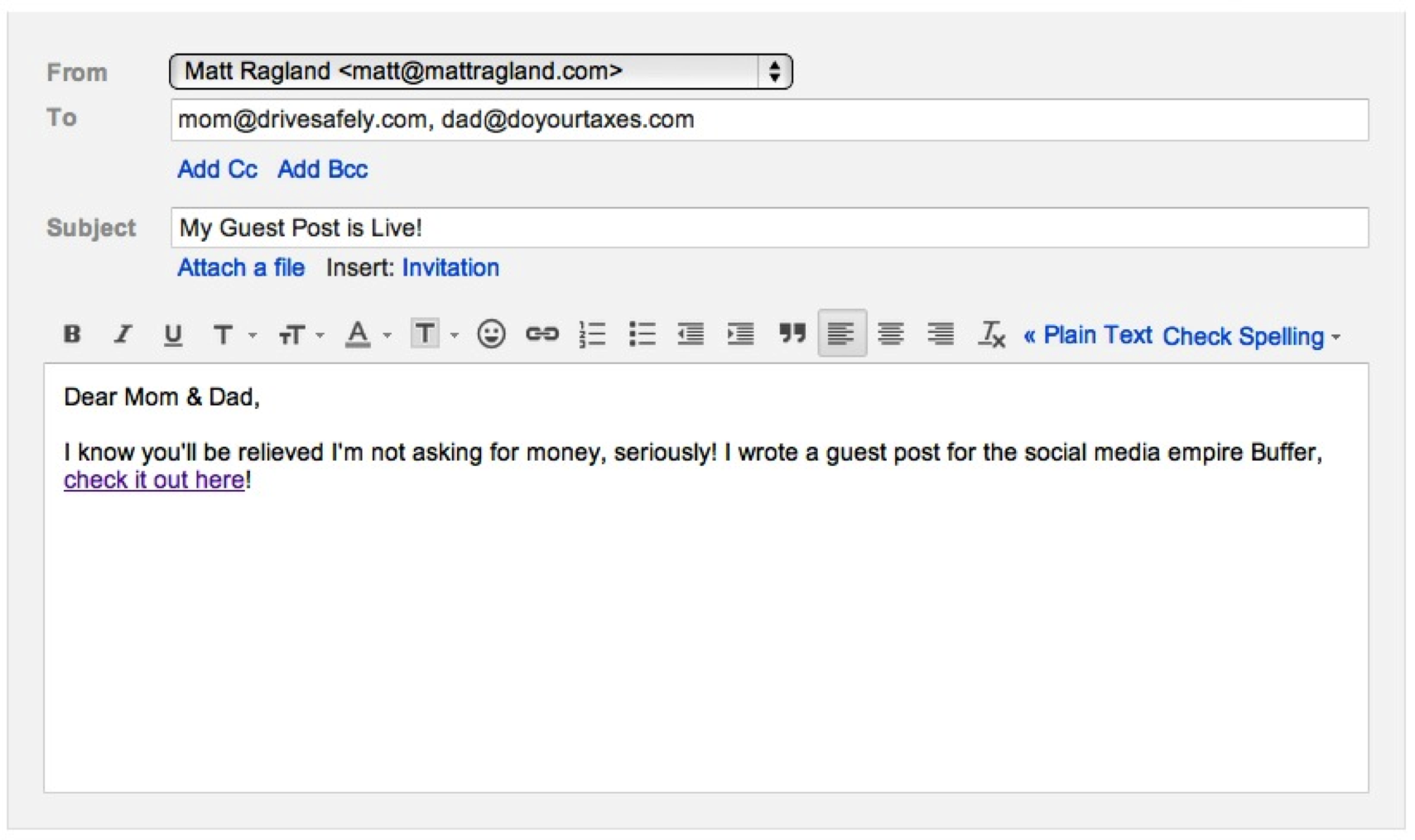
Let them know you have something they would enjoy reading! Ask outright to visit, comment, & share the post. If you can’t count on friends, family, and (true) fans to do you a solid and check out the post, bummer for you. Especially early on, having steady post traffic and sharing is important to generate momentum, and keeps the site mods from feeling like they have to get another post out quickly.
3. Respond to Every Comment
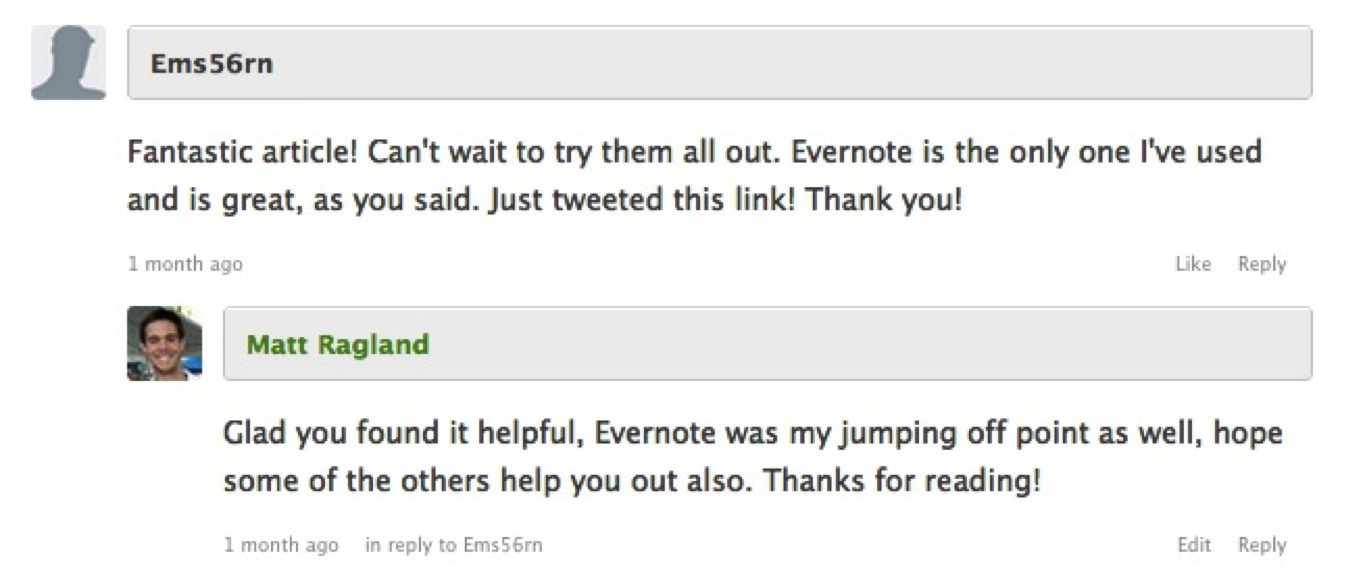
First, ask the site mods if they are ok with you responding. Some don’t like it, and prefer for the commenters steer the conversation. But many, like Buffer, want you to get involved, even if it’s simply acknowledging their contribution and saying “thank you”. I like to respond to all the comments.
It builds relationships, keeps your name in their minds, and strengthens the feeling you know what you’re talking about. Besides, if someone came up to you on the street and said “I found your article to be really helpful”, what are you going to do? Turn and keep walking? No! Say thank you and smile. You will also get ideas for new posts, and be able to engage in meaningful interactions with your readers.
4. Create Follow-up Content
With any kind of list post, there are invariably going to be pieces left out people feel should have been included. Don’t get frustrated because you think they are insulting your post, be excited they have opened up another opportunity to create content and engage them.
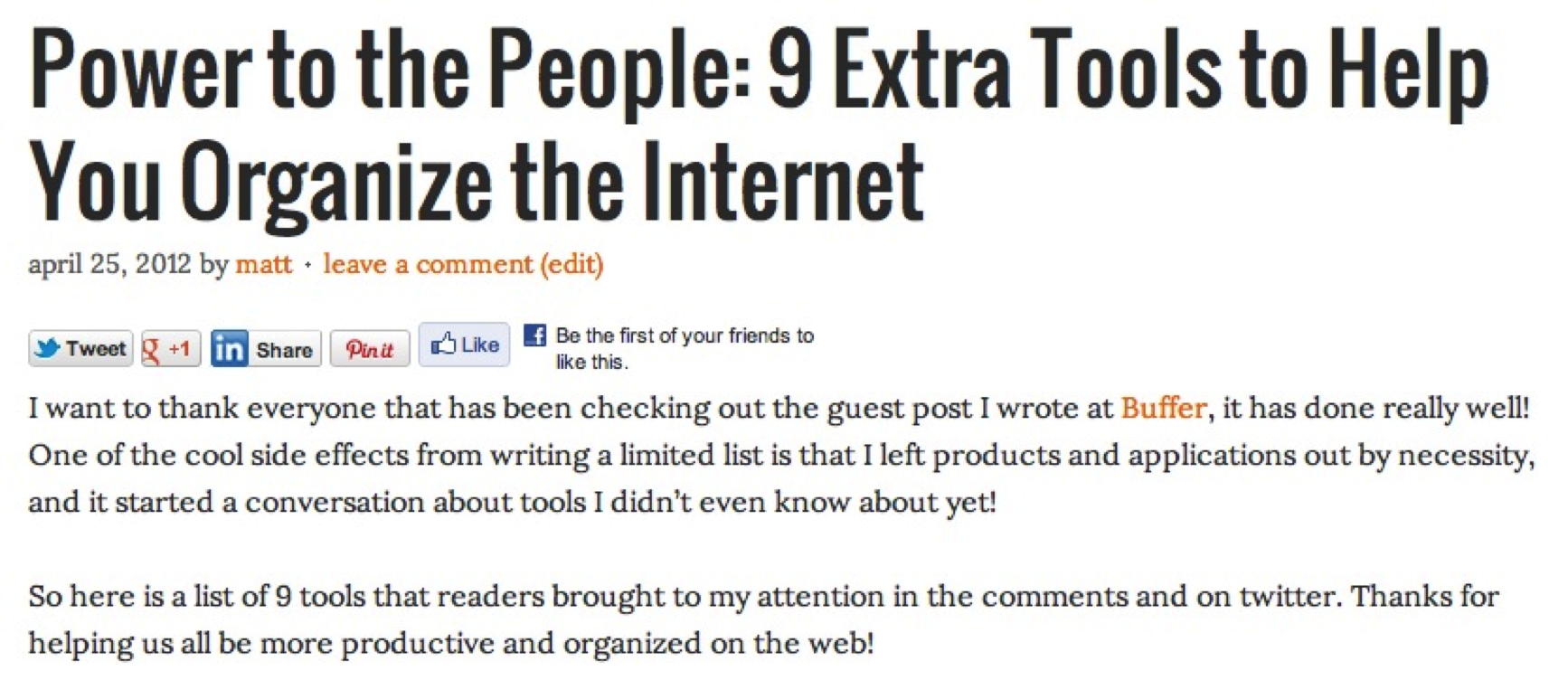
Example: I had several people recommend additional tools they use on the web. This is great! I wrote a list of the other recommended tools, and published a full list of their suggestions. It gives you more exposure, the commenters feel appreciated, and you’ve just driven more traffic to your site. You can read the list of reader suggestions I curated here.
I should say you don’t necessarily have to post the new content to your personal site. It’s may not going to flow well with your current content, confusing your subscribers, and will be tough to engage the people who want to know about it, i.e. those who commented in the first place. I also posted the list to Google+, which is easy to find and allows for further discussion on the topic.
5. Scour Twitter & LinkedIn for Conversations
I mention these 2 services because they have powerful search features, and are also the 2 places the post was shared the most, with over 50% of total shares. Simply type in your post title to the search bar, and start looking. I won’t reply to every single tweet, but I will definitely respond if they said something personal beyonds just sharing.
Here are a few examples:
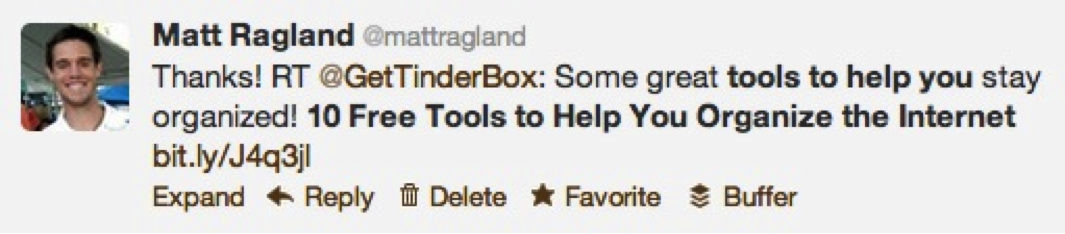
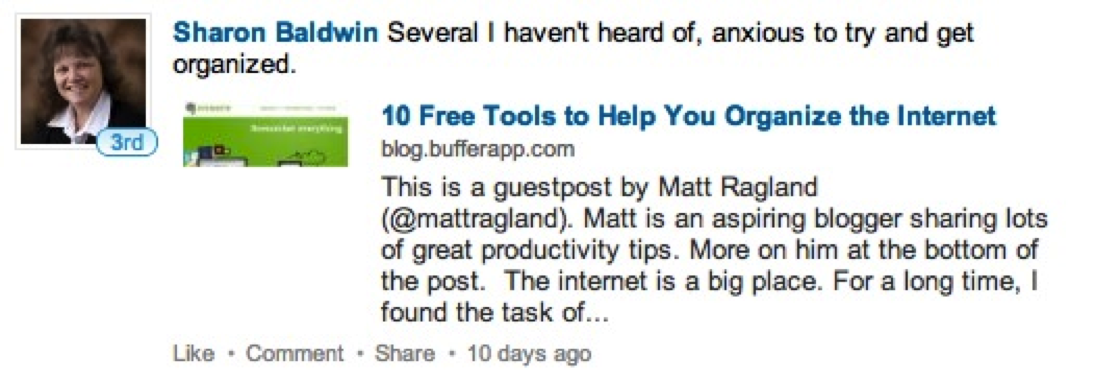
This is awesome! Just what I needed to step up my web game
- Feeling disorganized on the net? Here are 10 free tools to help
- Bombarded by the internet & need help organizing it? Here are 10 free tools
In the comments mentioned, it was nice of them to do a little more than simply tweet the link, and I appreciate their personal touch. If your post was post was powerful enough to compel a person to make a specific comment, it deserves a thank you.
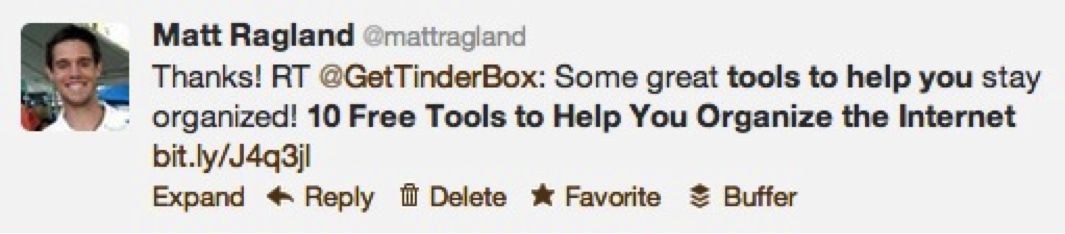
I also noticed people were asking questions about the post which were not mentioned in the blog comments. This is another opportunity for you to engage readers and create relationships.
6. Space Out Your Responses
Patience and control my friends, keep thinking that in your minds. It’s tempting to respond all at once, to have 1 big day of engagement and then allow it to drip dry. But we’re in this for the long haul, so patience pays. For a shameless but true plug, this is where Buffer comes in really handy. While I respond to actual questions quickly, (i.e. what is the difference between Evernote & Pocket?), just a simple RT and thank you is a great way to spread out your responses to people sharing. And friends, that’s what Buffer is here to do.
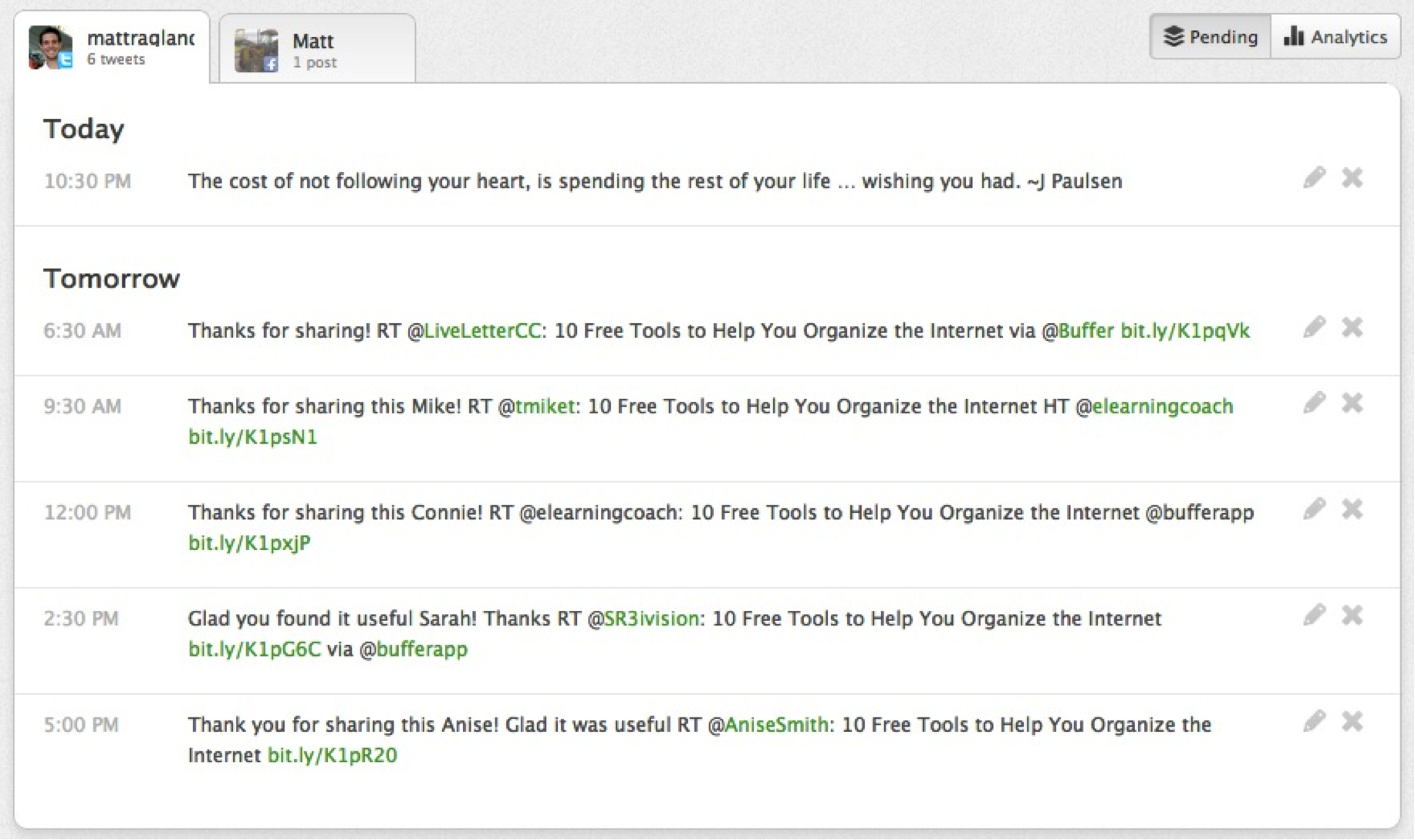
For you, it keeps the topic alive longer, keeps your twitter feed sane, and gains you more followers in the long run. People like to be recognized and appreciated, so go out and do it for them! Just not all at once.
Example:
- I posted to my blog on the 1st day – Fan Engagement
- I personally emailed my friends on the 2nd day, and posted to Facebook – Friend Engagement
- I emailed my family on the 3rd day – Family Engagement
- I consistently searched for where the post was being shared, and thanked the person.
7. Thank the Site Administrators
This is huge, and simply a common courtesy. Follow up after a couple days and ask if there is anything else you can do to help the post, and thank them profusely for the honor of writing for their site. Seriously, it’s a big deal, they are trusting you to deliver valuable, useful content to their readers. Say thank you.
8. Get Back to Work!
It’s tempting to go along with all the excitement of watching your site & sharing stats, engaging people on social media, monitoring SocialBro, seeing if your Klout score has increased, etc. I know I certainly have!
But now you have people’s attention, you need to keep it and earn their continued loyalty and trust. Keep writing epic stories, share the information we need, and keep doing the work. One guest post does not make a writer, nor does 100 (ok maybe 100). Remember what I said before, we’re in this for the long haul. So take a deep breath, appreciate the opportunities, and get back to work.
About the author:
Matt Ragland is a writer who explores the motivations behind our choices, and how people prioritize what is really important to them. He prioritizes his time for writing, family, running, coffee snobbery, and personal growth. Learn more about him on his blog then follow him on Twitter and Google+.
Try Buffer for free
140,000+ small businesses like yours use Buffer to build their brand on social media every month
Get started nowRelated Articles

Sending ads by mail may seem like a thing of the past, but this marketer thinks it’s a surprisingly effective approach for e-commerce brands.


Learn how to leverage AI social media content creation tools and save valuable time in your social media marketing efforts.


With the newsletters on this list, you'll be able to stay on top of all developments in social media and learn from amazing experts
